One stock and one price, at the till and on the site.
Scroll to watch Abel at work.
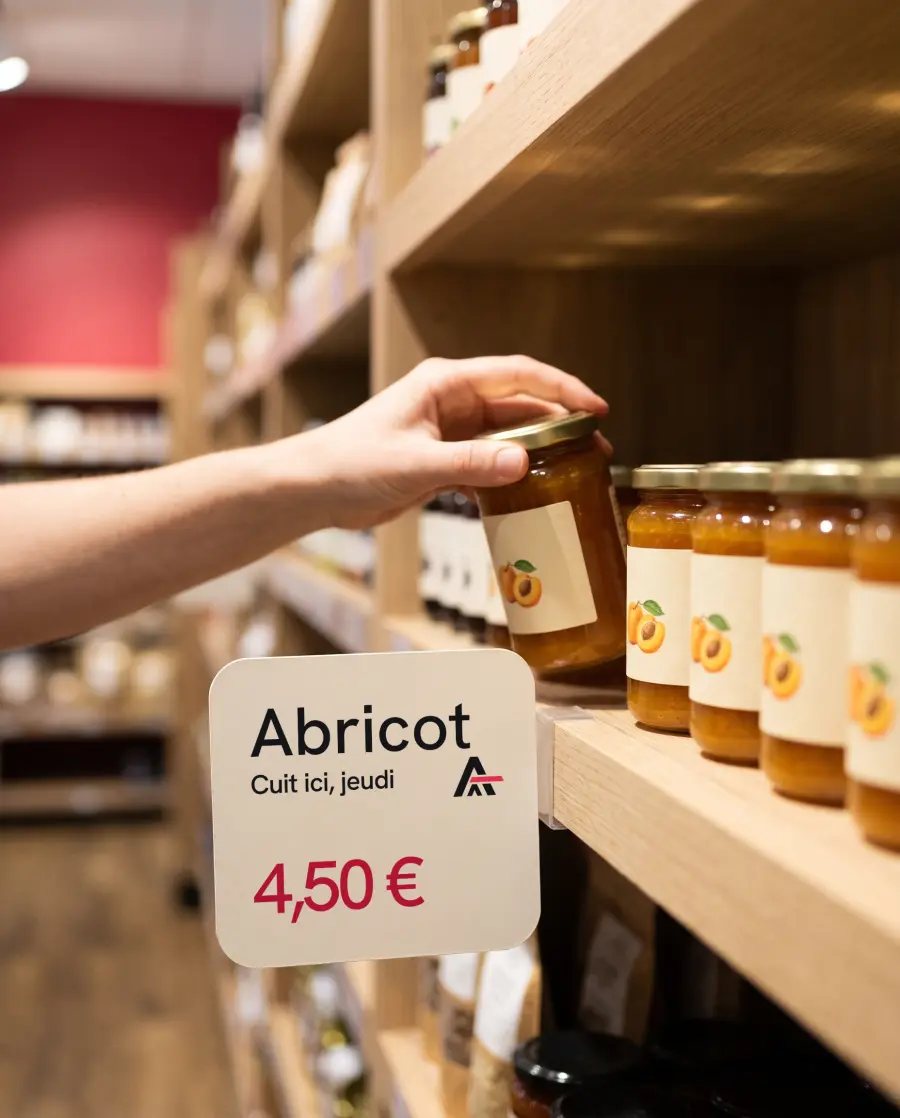
Example: a grocery shop, made-up pricesOn the shelf, the apricot jar costs €4.50. On the site, €3.90.
ExampleOn Saturday, at the till, a customer shows their phone: €3.90.
ExampleThey get the site price. Which one was right?
ExampleAbel compares the till and the site, line by line.
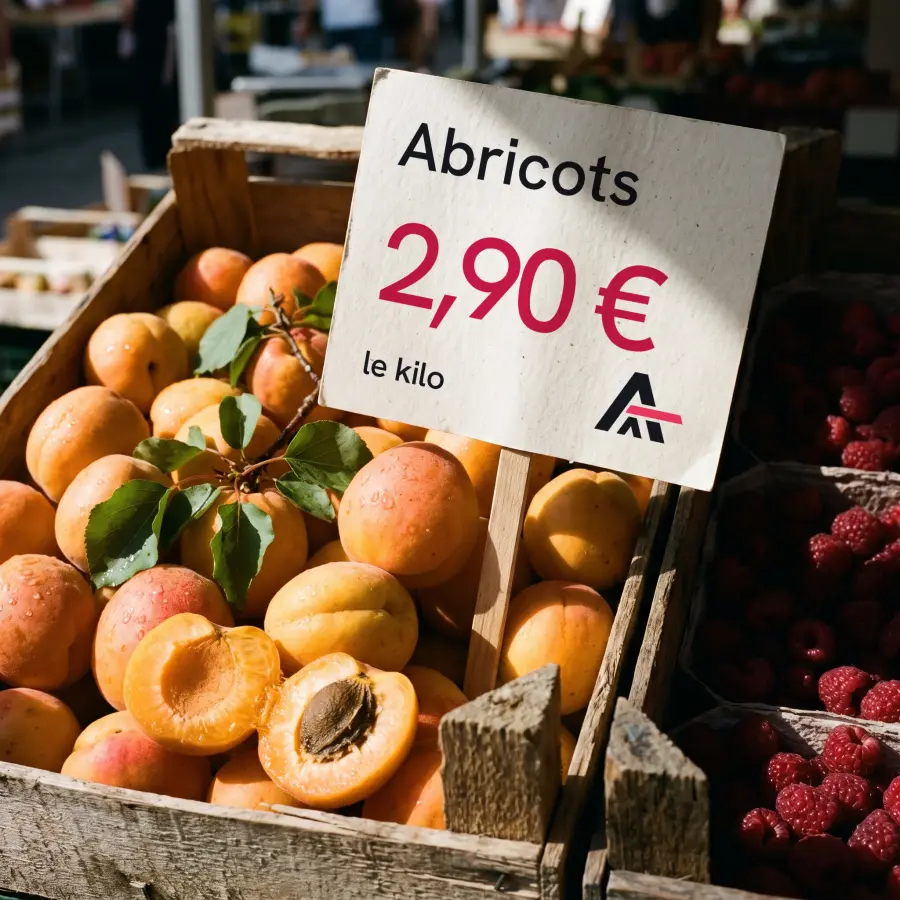
ExampleAbel also reads the use-by dates: these apricots must be sold before Saturday.
Which price is right? Choose.
Example: a grocery shop, made-up pricesTap a price. The till and the site then show the same thing.
Till
€4.50€3.90
Site
€4.50€3.90
The same jar, two prices.The site will go to €4.50. You correct it in Odoo.The till will go to €3.90. You correct it in Odoo.
The apricot jar does not have the same price at the till and on the site. I have prepared the fix. Would you like to see it?
At the Assisted level, Abel prepares and you correct in Odoo.
You read it line by line, then you correct in Odoo the lines you keep.
Nothing changes. The price stays in two places.
In short
The Odoo till, or Odoo POS, can share its products, prices and stock with your online store. Agence AA sets it up and trains your team. Abel, our AI agent, then compares the till and the site, points out what is about to run out or go to waste and prepares the update.
Where Abel looks
- Odoo Point of SaleSales by hour, by day, by productCertain
- Odoo InventoryStock, turnover, use-by datesCertain
- Google Business ProfileSearches, calls, direction requests, opening hoursPlatform
- What does the Odoo till do?The Odoo till works on any device with a web browser, even when temporarily offline. Product moves are recorded in your stock, and data is brought together across shops.
Odoo 18 documentation, point of sale, read on 25 November 2026Official source
A free first look
15 minutes, with no access to your accounts. You tell us where your prices and your stock live. We tell you what Odoo already brings together, and what is left to set up.
If Abel is the right place to start, you receive a quote. If not, we tell you where to begin.
You book on margedaily.com, our own tool.
On quotation, within one working day
A set-up paid once, then the follow-up. You choose how far Abel goes.
- AssistedAbel prepares, you make the move.
- SupervisedAbel acts after your yes.
- AutonomousAbel acts within limits agreed with you, and reports back.
The set-up can build: Odoo till linked to the store, Offers before waste.
The whole team at your place, installed and followed up: ask for a quote for the full package.
Your questions on Odoo POS
Is Odoo POS the same as the Odoo till?
Yes. POS stands for point of sale. It is Odoo's till application, which uses the same products as sales and the online store.
How do you link the till and the online store?
We first sort the products and prices so that a single list remains. We then set up the till screens, the shared stock and the taxes, and train the team. The trial runs on a copy before opening.
What is Abel for if the till is already linked?
To see what nobody looks at every morning: a price that differs, a product about to run out, a date coming up, a quiet hour. Abel prepares the update, you decide.
What does Abel do with products about to go to waste?
Abel points them out before the date. Ava can then prepare an offer for the regulars who accept your messages. You set the price and the quantity.
Do you have to close the shop to install the till?
The quote says so, as it depends on the number of tills and products. We prepare everything on a copy, and the switch happens at the time you choose.
How much does an Odoo till linked to the store cost?
It is set up on quotation, and you receive the quote within one working day. The price depends on the number of tills and products and the level you choose for Abel. The first look is free: 15 minutes, with no access to your accounts.
Page updated on 25 November 2026